DesignFREE COUPON
The Complete Social Media Video Editing Masterclass
Rating
-
Description
- Why take this course?
- Dominate Social Media: Video Editing Masterclass with Premiere Pro, After Effects, Canva & CapCutStop Scrolling, Start Creating!
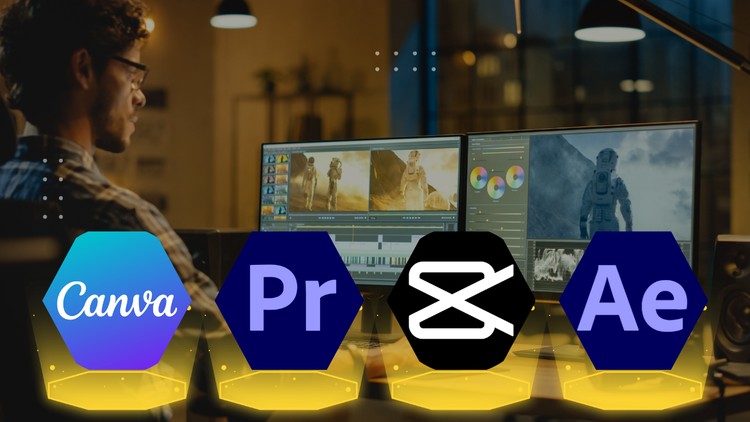
- This action-packed course equips you to become a social media video editing pro. We’ll explore a powerhouse combo: industry-standard Adobe Premiere Pro and After Effects for advanced editing and motion graphics, alongside the user-friendly Canva and mobile app CapCut for quick edits and on-the-go creation.
- No Experience Needed!
- Whether you’re a complete beginner or have some editing experience, this course is designed for you. We’ll break down each platform step-by-step, so you’ll be editing like a pro in no time.
- Here’s What You’ll Master: Adobe Premiere Pro: Conquer the fundamentals of video editing, from cutting clips and adding transitions to color correction and audio mixing.
- After Effects Essentials: Breathe life into your videos with captivating motion graphics, text animations, and special effects.
- Canva for Visuals: Design stunning social media graphics, intros, and outros with ease using Canva’s intuitive interface.
- Cap
- Cut on the Go: Learn to edit captivating videos for Instagram Reels, TikTok, and other platforms directly from your mobile device.
- Go Beyond the Basics: This course doesn’t just teach you the tools; it teaches you how to use them effectively. You’ll learn: Social Media Storytelling: Craft engaging narratives that grab attention and keep viewers hooked.
- Platform Optimization: Tailor your video content for specific social media platforms to maximize reach and engagement.
- Trending Video Styles: Learn the latest editing techniques and effects used by top creators to make your videos stand out.
- Project-Based Learning: Sharpen your skills with real-world projects like creating a social media ad, a product explainer video, and a stunning Instagram Reel.
What You'll Learn
- This is where the rubber meets the road.
- The skills you’ll gain are directly translatable to numerous job-ready skills.
- Think Social Media Manager with a video focus, Content Creator, Junior Video Editor, Digital Marketing Specialist, or even Freelance Video Editor.
- The emphasis on industry-standard tools like Premiere Pro and After Effects makes this course highly relevant for anyone eyeing career growth in the digital space.
- It’s not just about hobbyist learning; it’s about building a portfolio that screams competence.
- While it doesn’t explicitly offer certification prep, the depth of content certainly positions you well for roles requiring these proficiencies, and the real-world projects included will be invaluable for building a portfolio.
Requirements
- Honestly, this is where the course shines for a broad audience.
- The stated prerequisites are minimal, leaning towards a basic comfort level with computers and a willingness to learn.
- However, for maximum benefit, I’d recommend a baseline understanding of digital file management.
- If you’re comfortable saving files and navigating folders, you’re probably good to go.
- For those looking to leverage the more advanced aspects, particularly in After Effects, a prior introduction to motion graphics concepts would be beneficial, though not strictly required.
- The course is designed to take you from absolute beginner to a point where you can tackle complex projects, but prior exposure will certainly accelerate your learning curve.
Important Notes
Once you start the course for free, it stays in your account forever. You keep lifetime access.
Free access is time-limited. If a course is no longer free when you reach it, please check back later. The catalogue updates regularly.
Get this course for free
We are preparing your free access. The button appears in a few seconds.
Loading your course...
Please wait 10s…