Professional Adobe Photoshop CC Course With Advance Training
Rating
-
Description
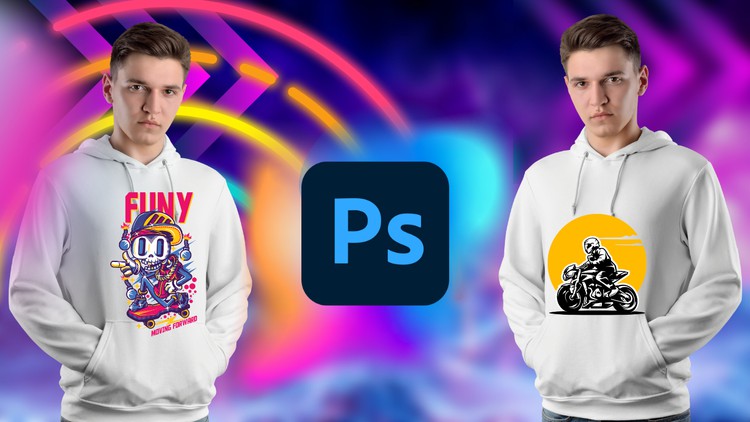
LanguageContentIntroductionIntroductionExercise FileSelection and MaskingRemove Fence From ImageIsland Inside Rounded Glass BottlePerspective SelectionHow to Make Background BlurRemoving BackgroundAdding BackgroundUse of Liquify – Fat Cutter and Muscle BuilderBusiness Card DesignHow to Create Printable Business CardHow to Create Credit Card Design Business CardHow to Create Creative Google Search Engine Business Card Front PartHow to Create Creative Google Search Engine Business Card Back PartLogo DesignHow to Create Bird LogoGreen Vegetable LogoInformation Technology LogoPhotography LogoT-Shirt DesignShe Wolf T-Shirt Design
What You'll Learn
- The ultimate goal of this course is career growth. It isn’t just about making pretty pictures; it’s about building a portfolio that proves you can handle professional briefs. The focus on real-world projects ensures that by the end of the course, you have a “ready-to-show” folder for potential employers.
- Completing this training positions you for several lucrative roles, including: Junior Graphic Designer: Creating visual identities for startups and established brands.
- Photo Retoucher: Working for fashion houses or e-commerce giants to polish product imagery.
- Social Media Content Creator: Producing high-impact visuals and GIFs for digital marketing agencies.
- Freelance Brand Designer: Utilizing platforms like Upwork and Fiverr to offer specialized services like logo and business card design.
- UI/UX Design Assistant: Preparing mockups and assets for web and mobile application developers.
Requirements
- The barrier to entry here is refreshingly low, but let’s be honest: you need a decent machine. To get the most out of these real-world projects, you should have: A subscription to Adobe Photoshop CC (the latest version is preferred to follow along with the AI-driven features).
- A basic understanding of how to navigate a computer (managing files and folders shouldn’t be a mystery to you).
- A creative spark and, ideally, a drawing tablet (though a mouse is perfectly fine for 90% of the course).
- No prior design experience is required, though a “eye for detail” will save you a lot of frustration during the retouching modules.
Important Notes
Once you start the course for free, it stays in your account forever. You keep lifetime access.
Free access is time-limited. If a course is no longer free when you reach it, please check back later. The catalogue updates regularly.
Get this course for free
We are preparing your free access. The button appears in a few seconds.
Please wait 10s…
![Candidate Experience Course: Design Hiring Journey [EN]](https://studybullet.com/wp-content/uploads/2025/10/Candidate-Experience-in-Hiring-and-Recruitment-EN.jpg)